> For the complete documentation index, see [llms.txt](https://developers.citrusad.com/llms.txt). Markdown versions of documentation pages are available by appending `.md` to page URLs; this page is available as [Markdown](https://developers.citrusad.com/integration/reference/integrating-parent-products.md).
# Integrating Parent Products
{% hint style="info" %}
Epsilon Retail Media's documentation is now centralized with our knowledgebase!
For up to date guides, please view [this page](https://help.citrusad.com/retail-media-interface/integration/feature-integrations/integrating-parent-products) in the new Integration APIs space of our documentation.
{% endhint %}
## What is a child product?
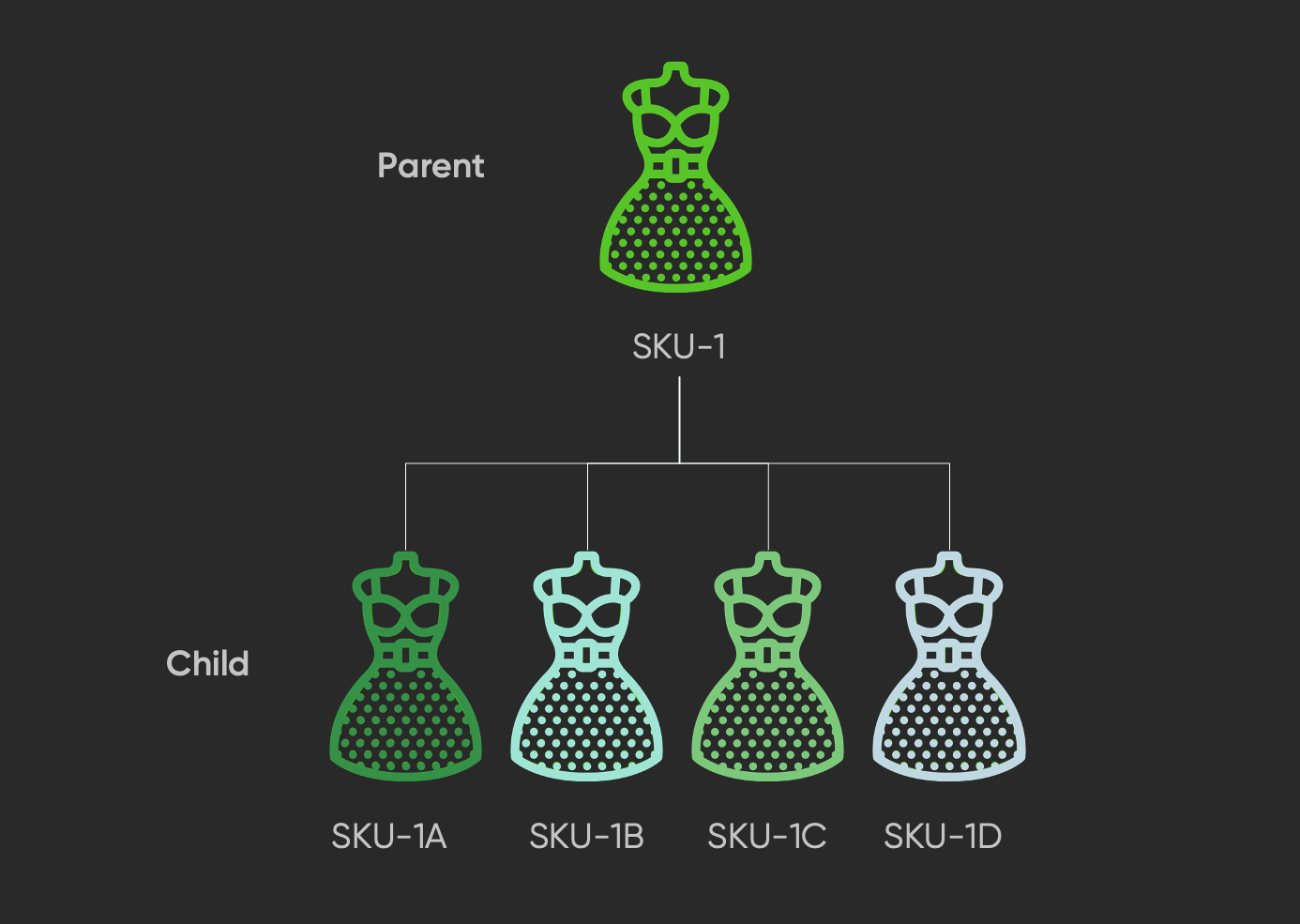
Some products have parent/child relationships. There is a parent product, and then multiple variations are the child products. Advertisers want to optimize campaigns at a child product level to ensure they are promoting the most relevant and best performing products to customers.
Other products will not have these relationships, and therefore will see no change or impact in the platform.
## UI capabilities
### Product selection
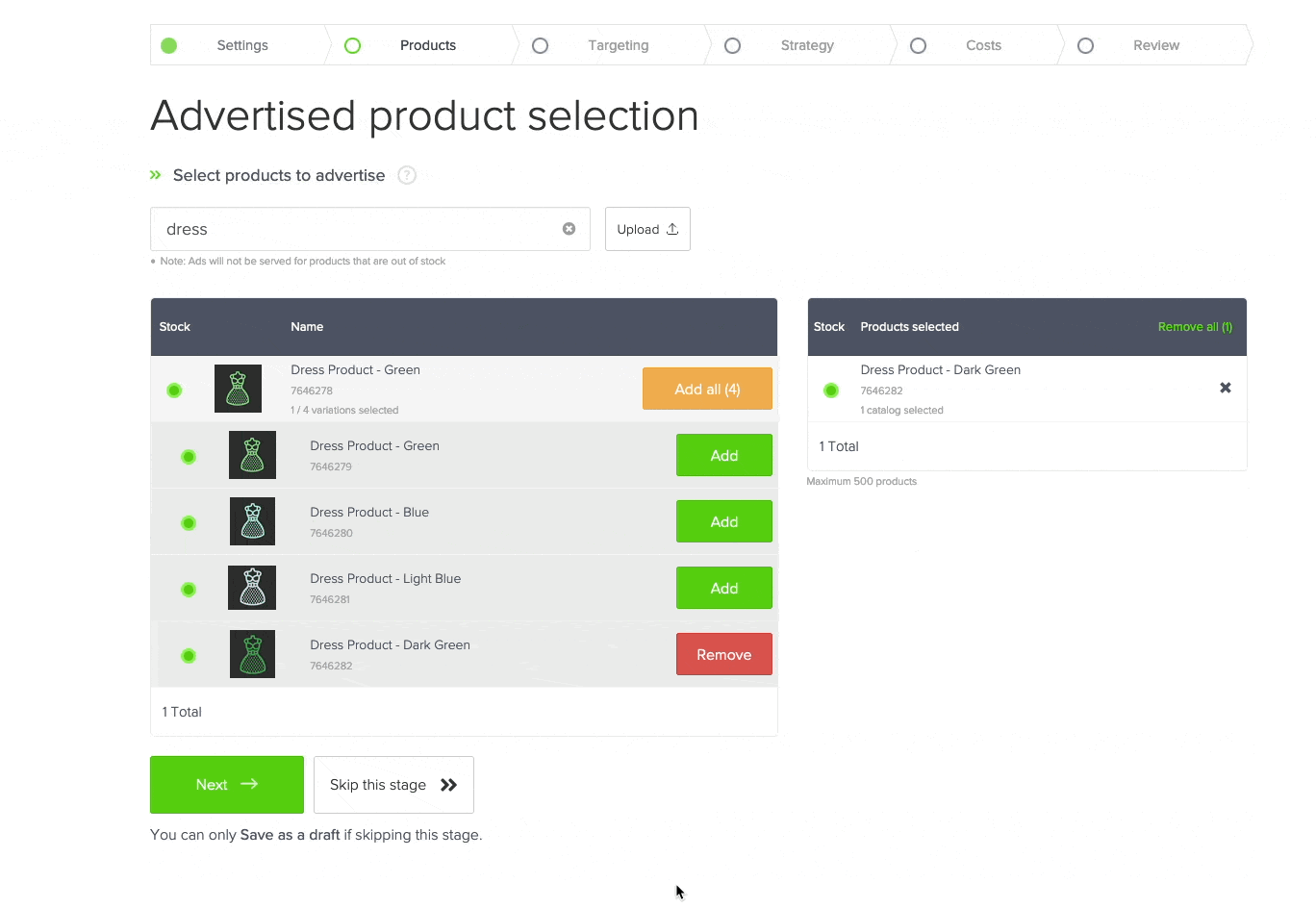
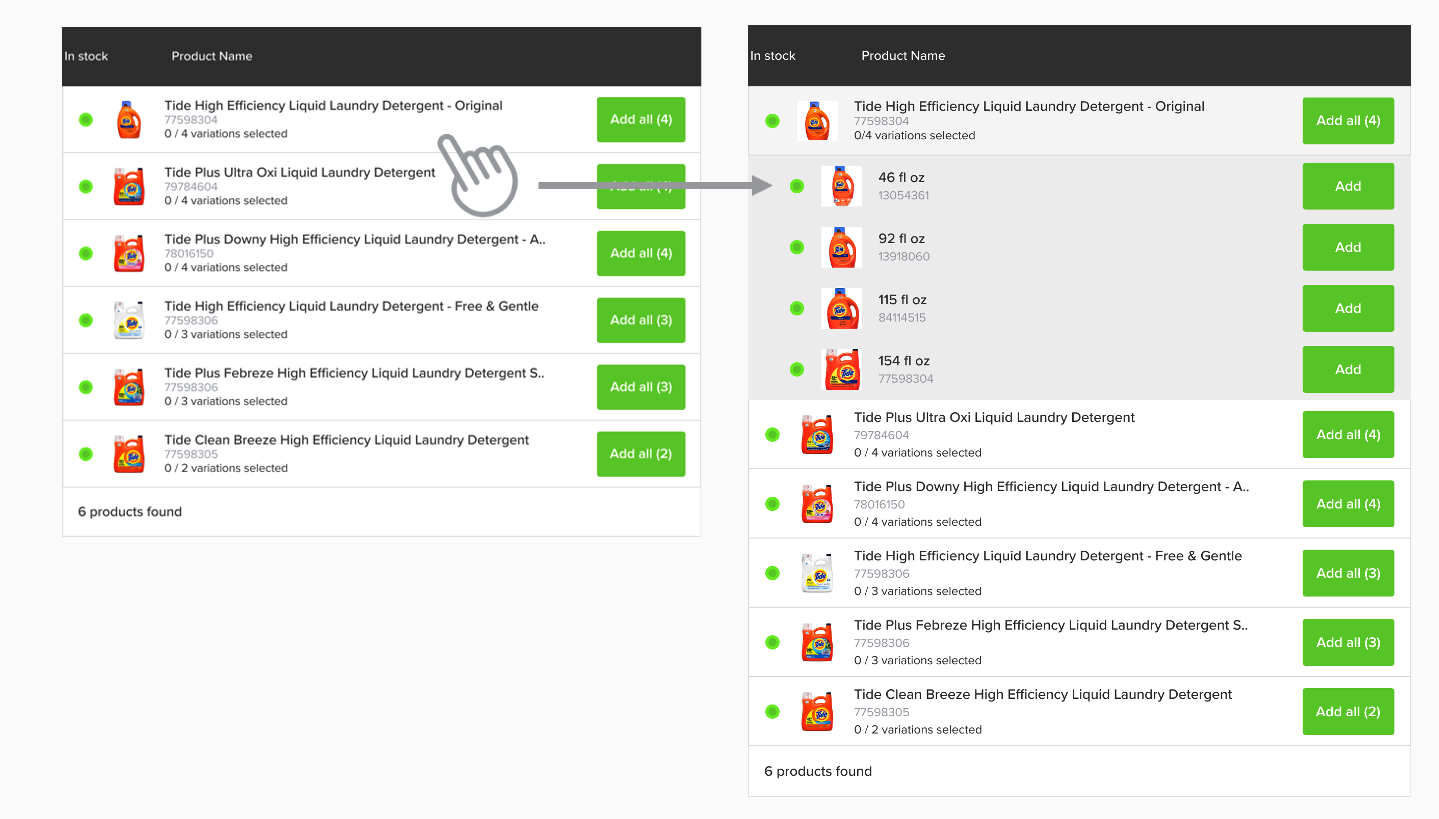
When selecting products, parent/child products will be grouped.
You can click a parent product and it will expand to show child products. This will allow your advertisers to optimize to a unique child product level in the campaign.
### Reporting
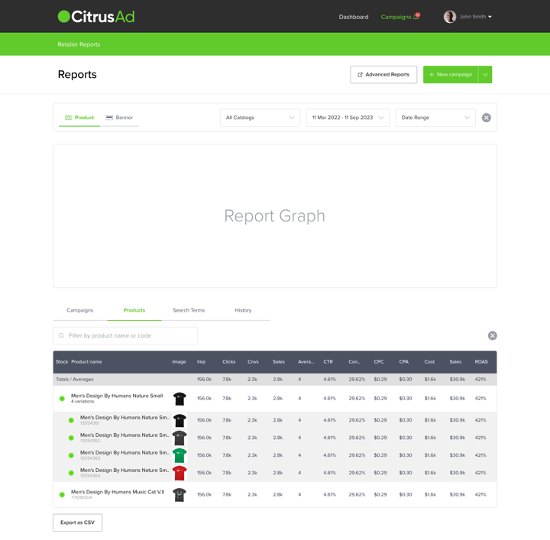
In-platform reporting will automatically group by parent product when a product has a `productCollection` associated with it.
In CSV exports from the platform, for product codes there is a new "Parent Code" column, which will populate the `productCollection` value.
If filtering by product code in the UI, then the parent product metrics are blank, and the parent product can be clicked to show reporting for any child products.
## Integration requirements
### Updating products
When you synchronise products with Epsilon Retail Media, there is a new `productCollection` field in the POST request for your products.
```http
POST $BASE_URL/v1/catalog-products?teamId= HTTP/1.1
accept: application/json
content-type: application/json
Authorization: Basic
{
"catalogProducts": [
{
"catalogId": "628dbe95-2ec9-4e07-881d-3e9f92ab2e0b",
"gtin": "23556578965543",
"productCollection": "abc-123",
"inventory": 50,
"price": "19.99",
"tags": [
"imageurl:https://your.image.host.com/image.jpg","name:Covergirl Clean 120 Creamy Natural Liquid Foundation30mL"
],
"filters": [
"category:Health&Beauty","category:Grocery","Brand:Covergirl","Special_Flag:0"
]
}
]
```
When this field is present, the product selection and reporting tables will aggregate at the product collection level for all products that have the same `productCollection`.
If you are synchronising by file, there is a `product_collection` column that you can optionally populate per product.
### Ad rendering
There are no changes needed when rendering ads from Epsilon Retail Media. The `gtin` you receive in the API response will be that of the "child" product, and you will need to render that on your website to your customers.