> For the complete documentation index, see [llms.txt](https://developers.citrusad.com/llms.txt). Markdown versions of documentation pages are available by appending `.md` to page URLs; this page is available as [Markdown](https://developers.citrusad.com/partner/reference/authenticating-requests.md).
# Authentication requests
{% hint style="info" %}
Epsilon Retail Media's documentation is now centralized with our knowledgebase!
For up to date guides, please view [this page](https://help.citrusad.com/retail-media-interface/partner/partner-api-authentication/authenticating-requests) in the new Partner APIs space of our documentation.
{% endhint %}
Epsilon Retail Media uses the User Key method for authenticating API requests. You can also retrieve the User Key through the [Retrieve user key](/partner/reference/getuserkey.md) API, which serves as an alternate method to obtain the User Key from user settings. The Retrieve user key API allows partners to generate an authentication key by providing a valid username and password.
## User key
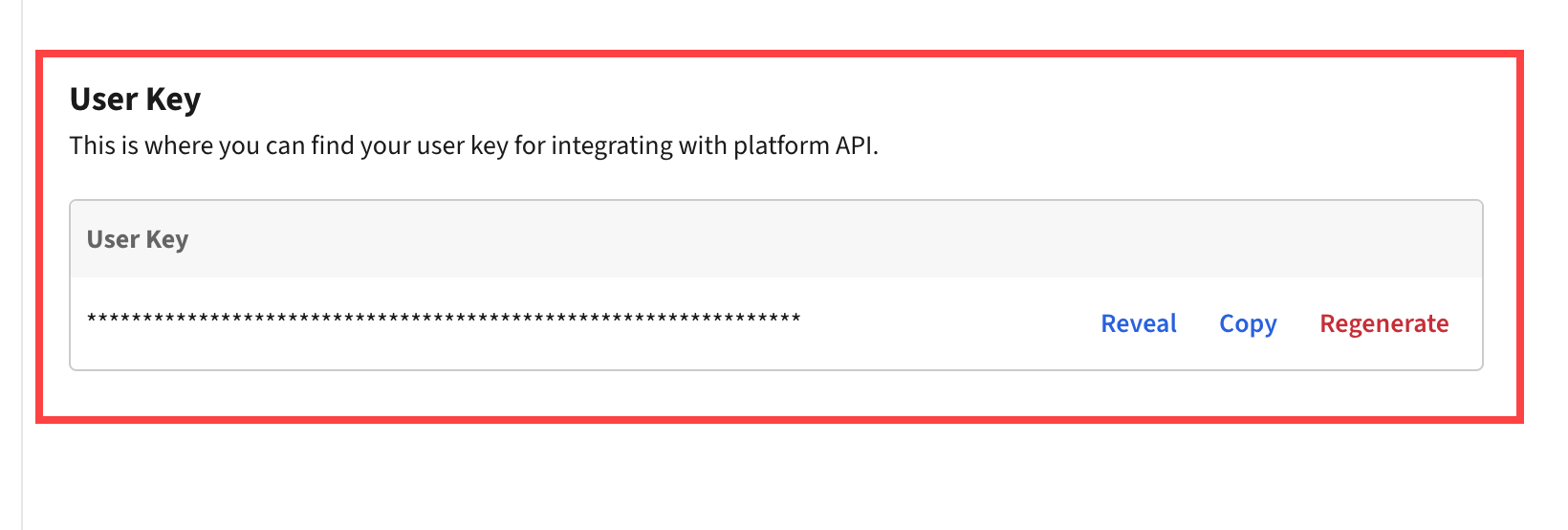
In the Epsilon Retail Media platform, advertisers can find their user key in the **User Settings** section. This key is unique to a **user** level, and can be integrated into your application to manage authentication with the Epsilon Retail Media system.
{% hint style="warning" %}
This user key is not representative of a team, and should not be treated as such.
{% endhint %}
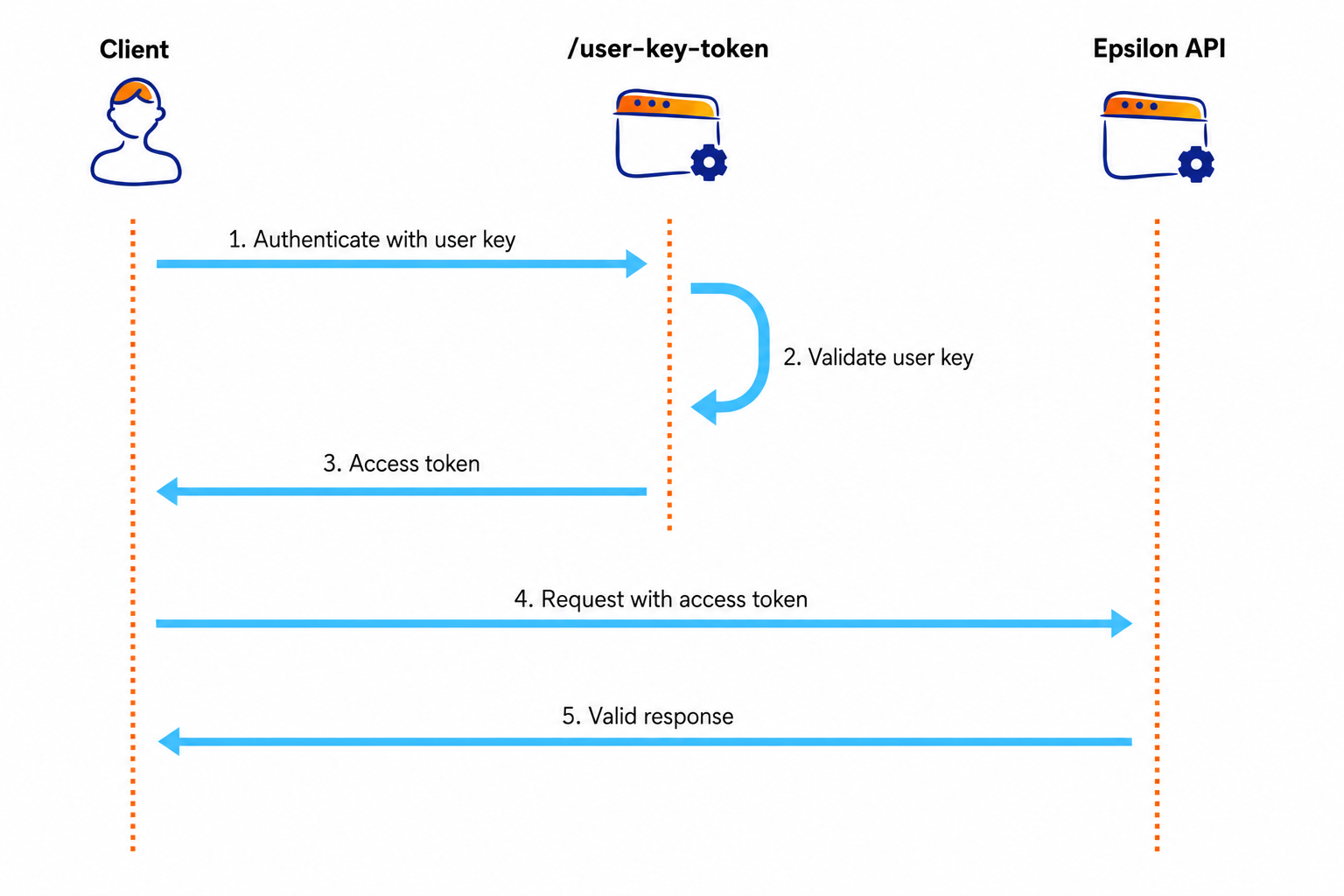
### Authentication flow diagram